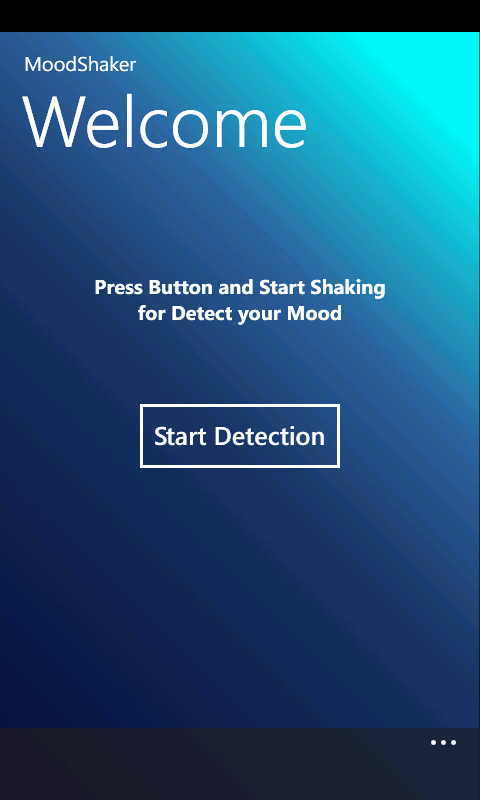
The welcome Page will introduce to MoodShaker and show a button for start shaking. In the menu bar, user will have access to the about page, language options and contact info.
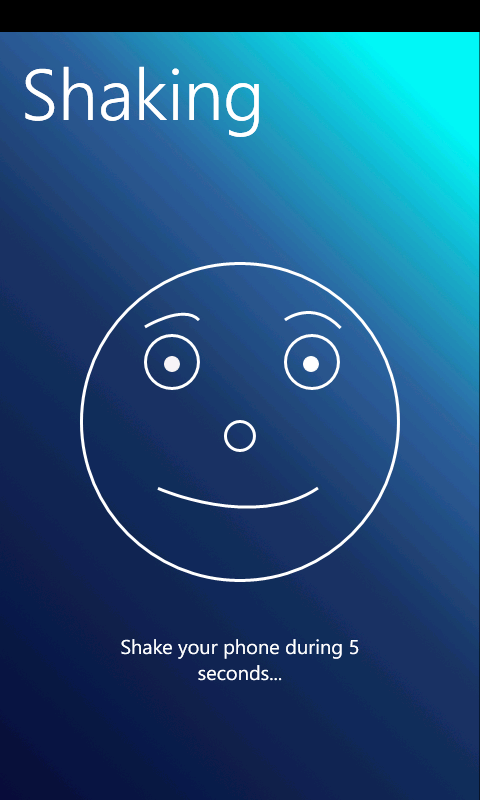
2. Shaking Page
The shaking Page will indicate the user to start shaking (5 secs). when user stops shaking the app will change to the next view.
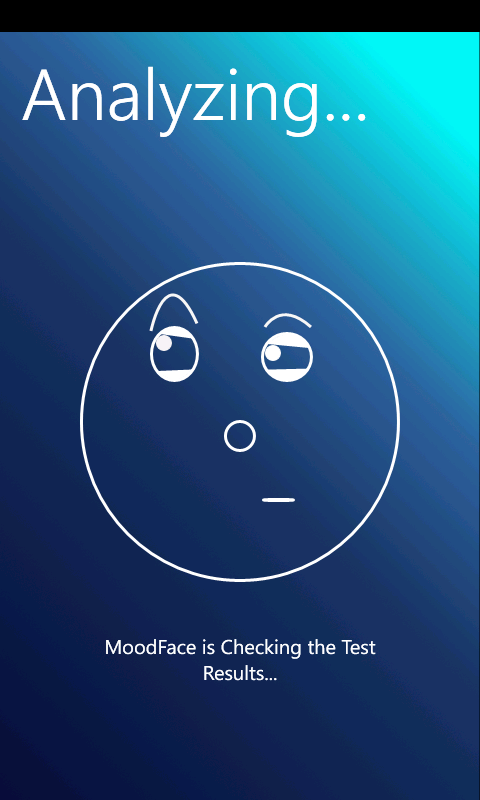
3. Analyzing Page
The analyzing Page will process the speed, strengh and direction of the users shake. The algorithm will indicate wich mood (of the moods list in the database) is the closest to the user mood. This view will be shown for 3 or 4 seconds.
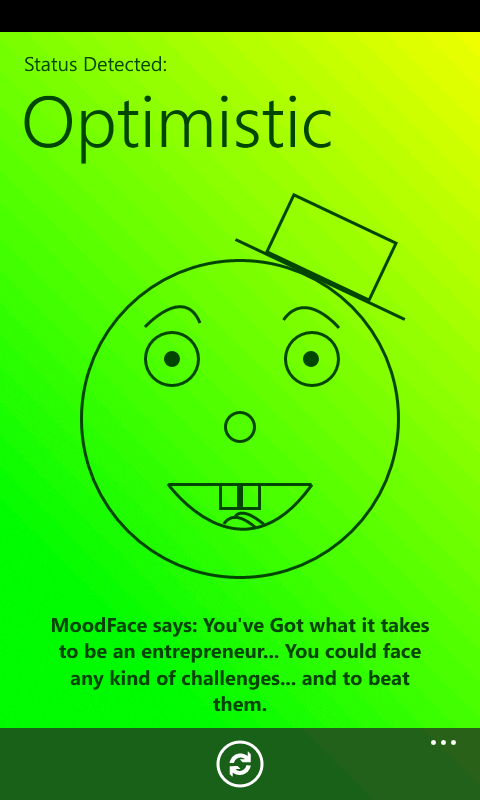
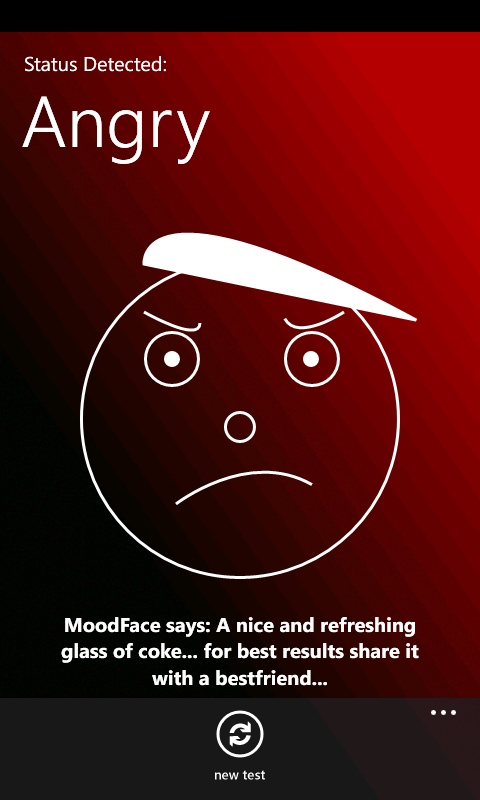
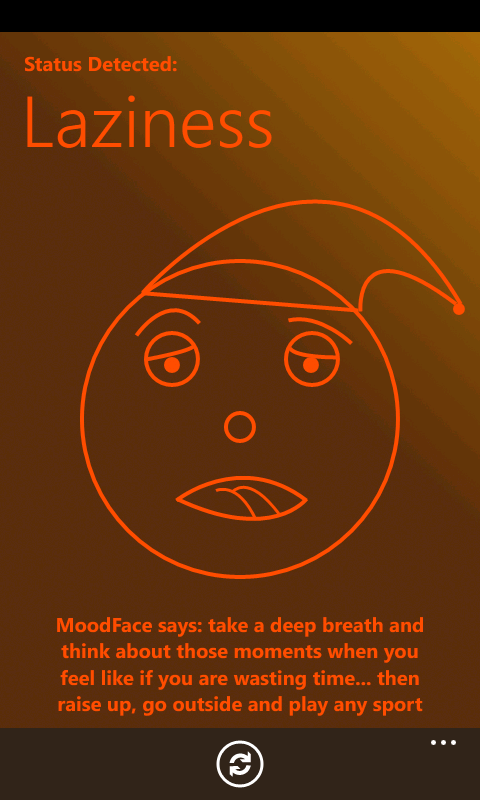
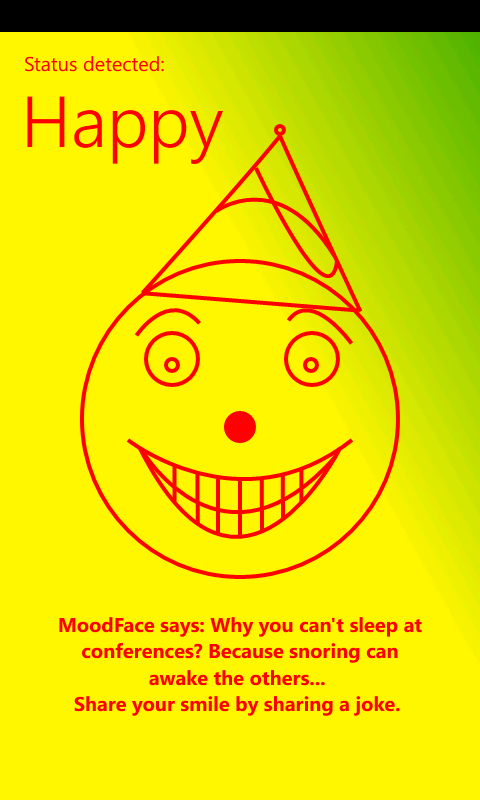
For every result, user will see that MoodFace says a message (from a list of messages according to result) according to the users mood status. Refresh button will return user to the welcome page. Allowing to start a mood test again.
MoodFace is an Iconic smart face wich will analyze and tell the user different messages for the different moods
If user is not happy or chill, We'll probably make an update to send after-time messages to until the user change his mood.
User may connect to social networks and tell his friends how his mood is going.
Below there are some examples of how MoodFace will show the result of the MoodTest